

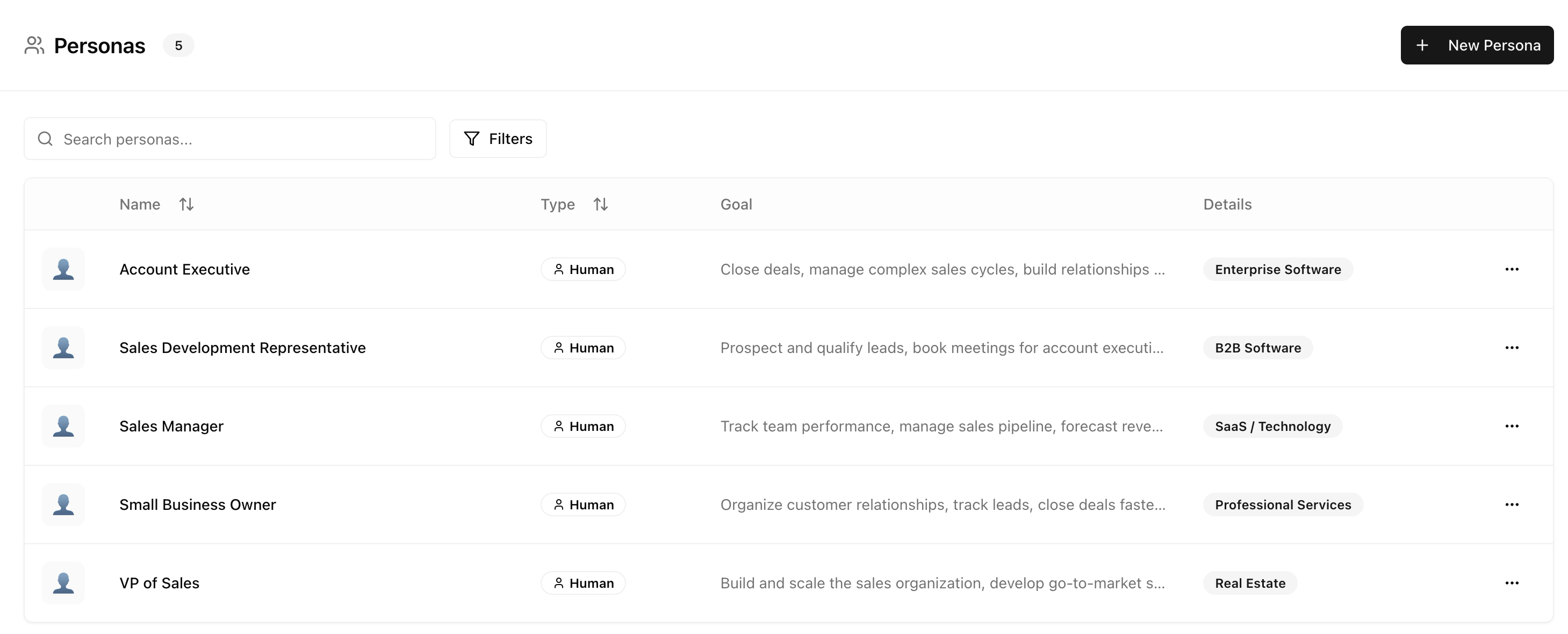
Why personas matter
A startup founder asking “What CRM should I use?” may get different recommendations than an enterprise IT manager asking the same question. AI models pick up on context clues and adjust their responses.- Startup Founder Persona
- Enterprise IT Manager Persona
Query: “What CRM should I use?”Likely response focus:
- Ease of setup
- Affordable pricing
- Essential features
- Scalability for growth
Creating a persona
Navigate to Settings → Personas and click Add Persona to create a new persona from scratch, or choose from a template.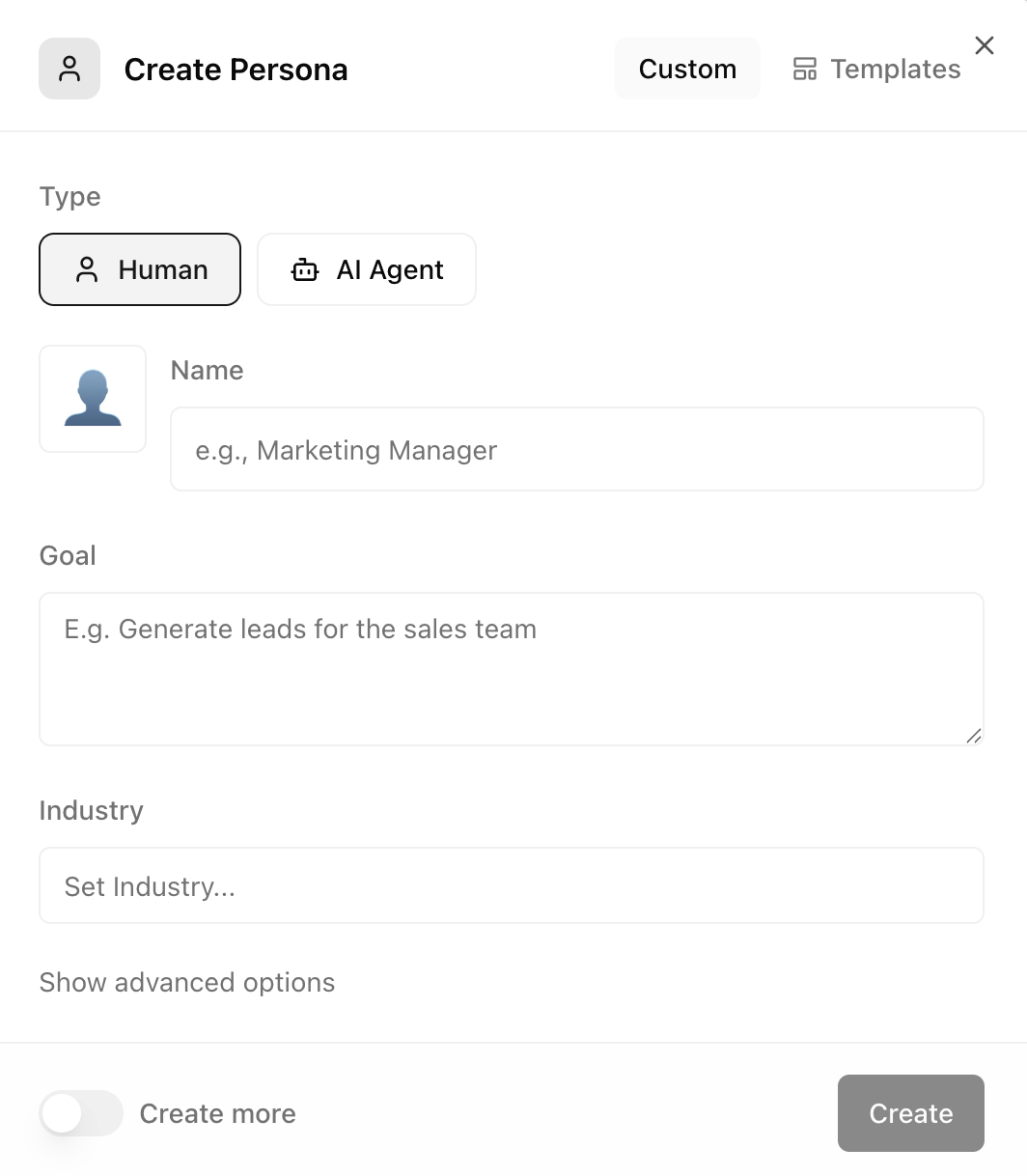
Configuration options
Advanced options
Persona templates
Don’t want to start from scratch? Attensira includes a library of pre-built persona templates based on common audience segments.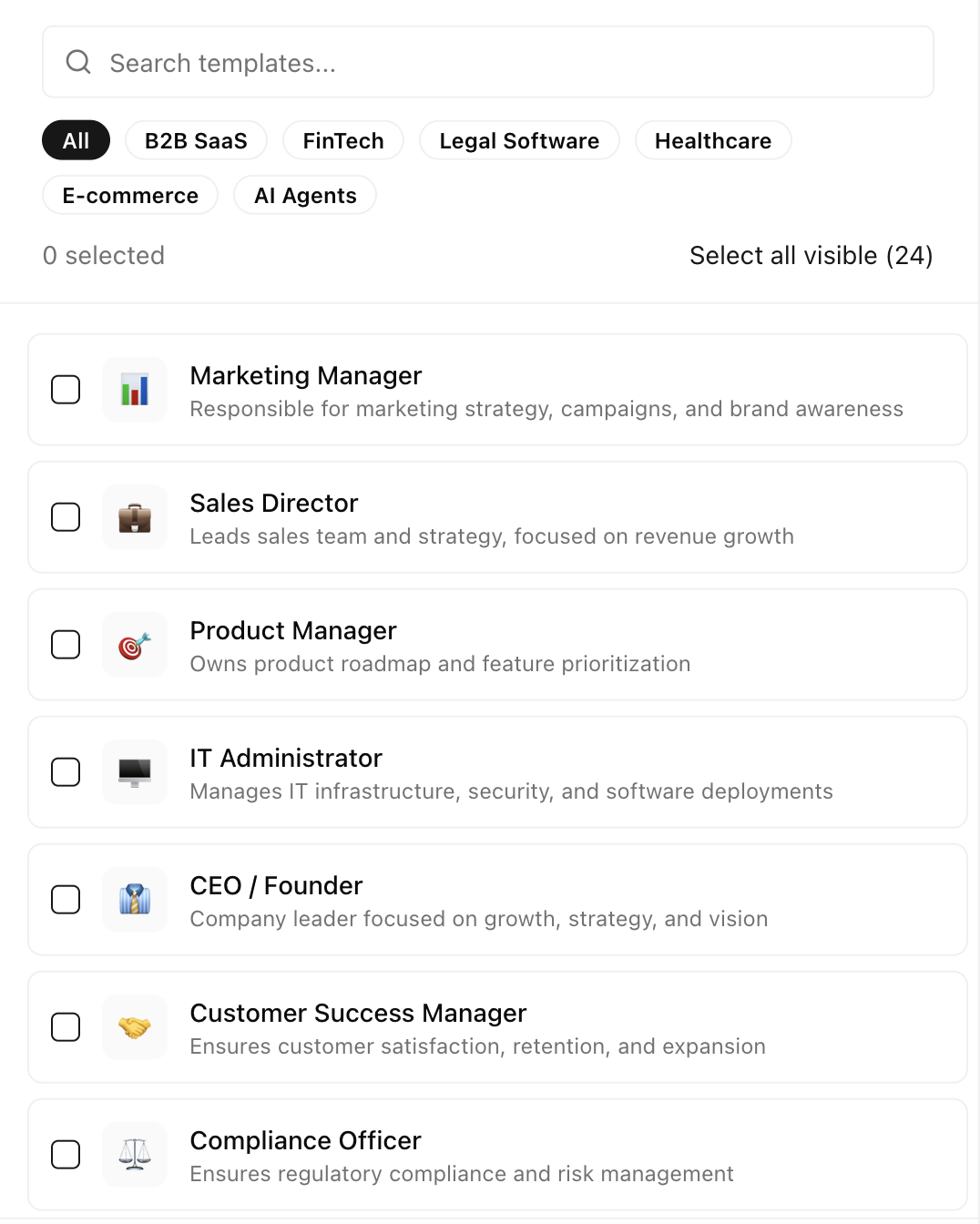
For B2B SaaS
For E-commerce / DTC
For Services / Agencies
Best practices
Start with 2-3 personas
Don’t overcomplicate. Start with your primary and secondary audiences, then expand.
Match real customers
Base personas on actual customer segments. Use data from sales and marketing.
Review quarterly
As your target market evolves, update your personas to match.
Use for strategic prompts
Not every prompt needs every persona. Focus personas on high-value queries.
Next steps
Tags
Organize your prompts and personas with tags
Prompt Results
See how your prompts perform across personas